

How to Grant AI Access to Server Logs via SSH Without Sharing the SSH Key
In a test setup, the AI reads app.log through GateRook and MCP without access to the SSH key, while the adjacent access.log remains restricted. Permissions are assigned via a dedicated account and for a specific file only.
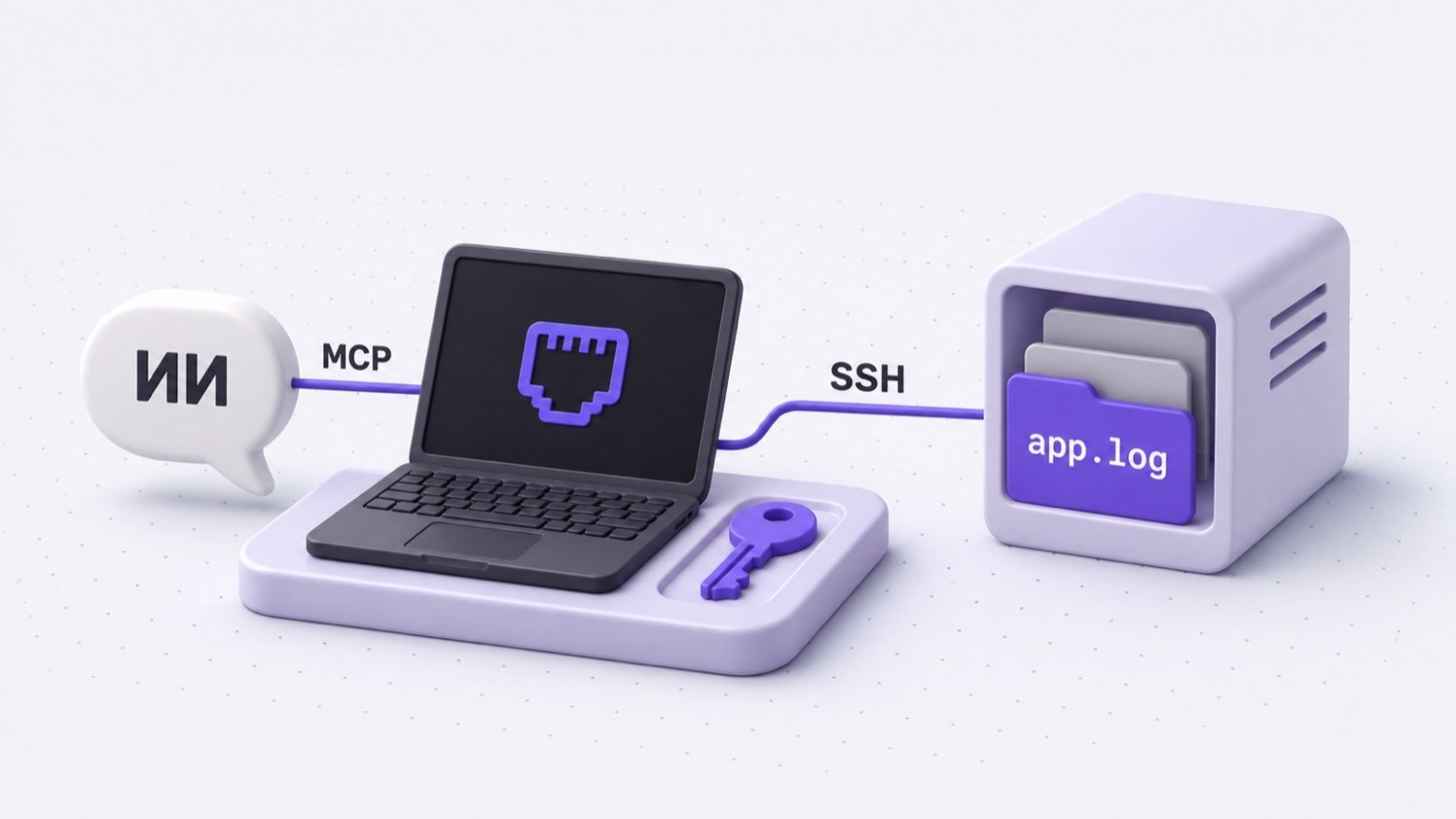
The gateway receives the filename and the number of lines, constructs a restricted read command itself, and connects to the server. Arbitrary commands cannot be passed through parameters. For the connection, a logreader account is created with access to /var/log/shop/app.log. The private key and ssh-agent socket are kept outside the AI client’s environment, and the host key fingerprint is verified in advance.
In GateRook, a connection named shop-logs is created, specifying the directory /var/log/shop and enabling Allow read for app.log separately. Browsing the directory tree does not imply access to content: SFTP displays directories and metadata, while reading is performed via restricted SSH commands. Therefore, attempts to request access.log by name are also checked—the system should deny access without returning data.
The file tail is a snapshot at the time of the call, and searches for ERROR-level entries skip lines without a recognized timestamp. If the response is incomplete and contains a cursor, it is passed to the next request with the same filters. After log rotation, permissions for app.log are not automatically transferred to app.log.1: the new file and account permissions are verified separately. Activity logs show client requests, and the access point can be paused; already read lines may have been stored in chat history or with the model provider.