

Grid and Layout + Control in Figma
Figma compared three ways to work with grids: the standard grid, auto layout, and a combination of grid with Variables. The last option allows changing breakpoints and content width.
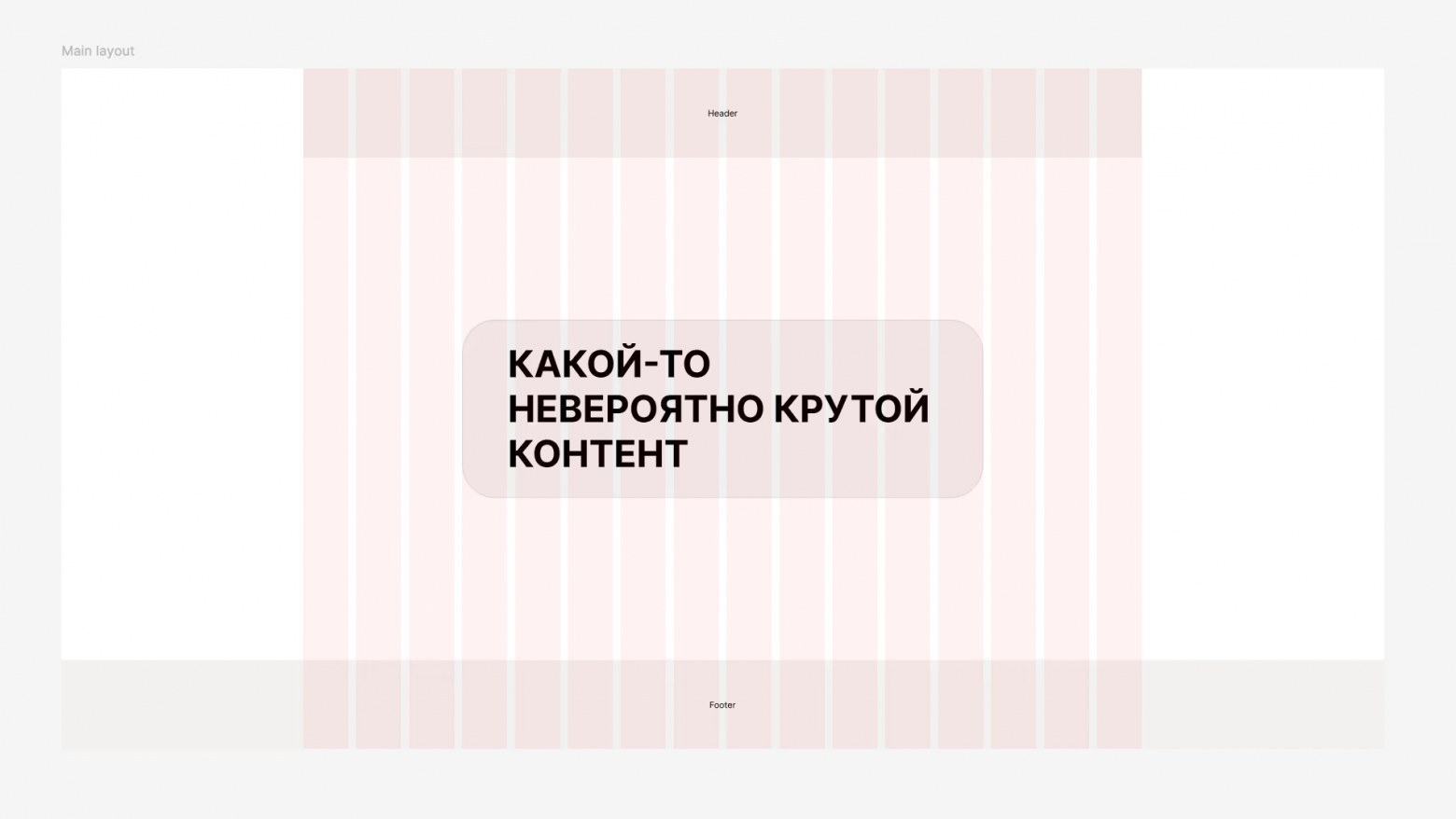
The standard grid in Figma serves as a visual guide: the layout does not automatically adjust to it. When changing breakpoints, elements must be aligned manually, although the grid itself can be controlled through Variables.
In auto layout, content is tied to the grid and reflows when switching breakpoints. However, after publication and detaching the component, the connection to the grid is lost, and variables cannot be applied to it.
The third option uses a standard grid and two Variables collections. The Breakpoints collection switches adaptive states, while the Grid collection sets the number of columns occupied by the content. The width value is calculated based on the column width, number of columns, and the sum of gutters.
At the same time, the standard grid uses the same tokens and remains a visual guide. When values are changed, both the grid and the layout components, including the header and footer, reflow. The designer can also change the number of occupied columns.