

Anthropic Allows Installing Claude Artifacts on Mac and Windows
On November 24, the 'Install as app' beta feature was introduced for Claude on Mac and Windows. Artifacts can now be installed as standalone applications with their own icon and window.
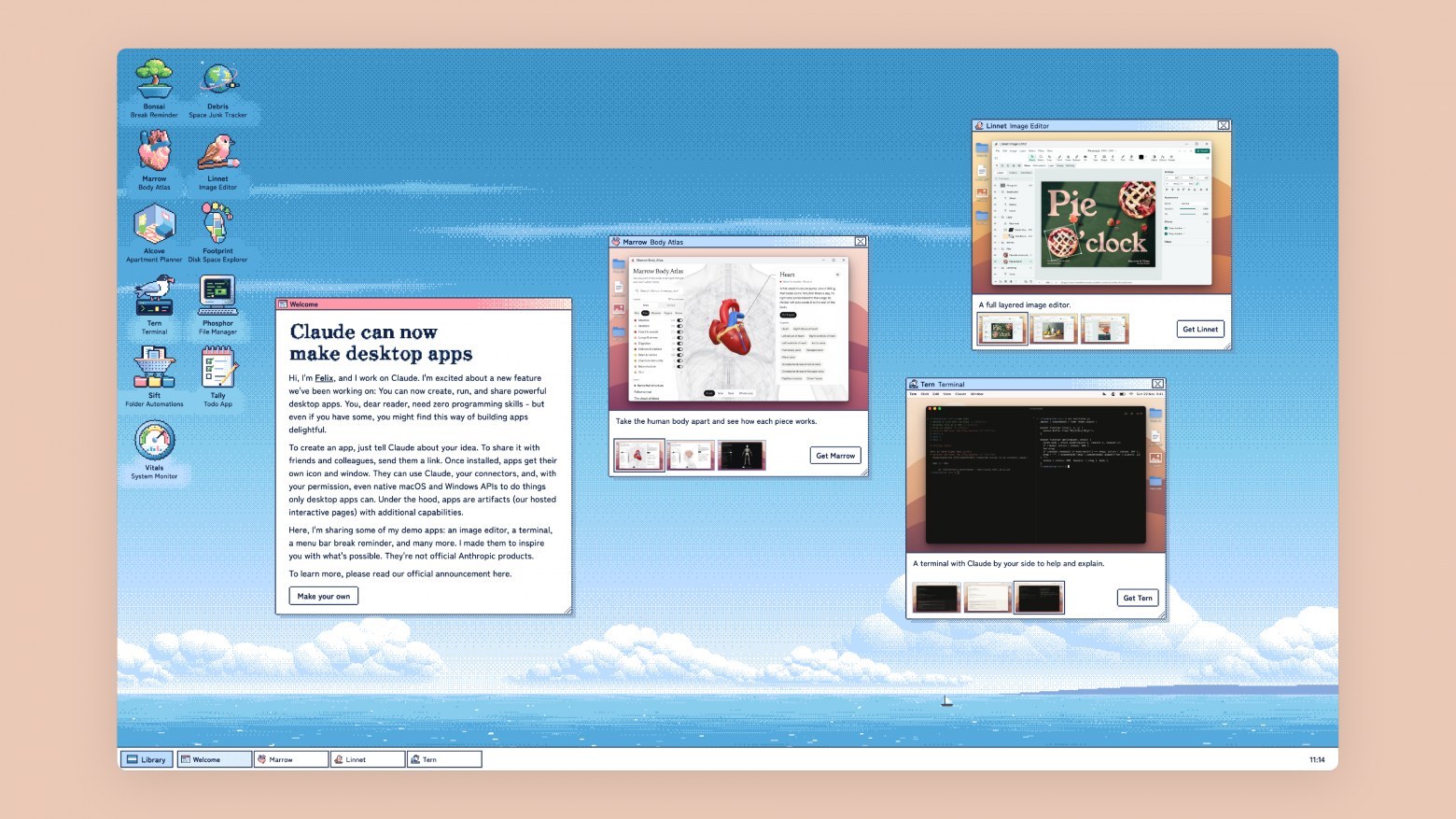
The feature is available in Claude Desktop version 6.28899.0 and later via the Share menu. Installed applications do not work on Linux, the web version, or mobile clients.
The beta is active for Free, Pro, Max, Ultra, Team, and Enterprise plans. In Team plans, it is enabled by default, but full computer access must be granted by an administrator. In Enterprise plans, the feature is first activated by the organization owner. It is not available for HIPAA-ready organizations or hybrid deployments.
No API key is required: the application uses the Claude account. Changes to the artifact are automatically reflected in the installed version, and builds and requests consume the plan's limits.

By default, the application has the same permissions as the artifact in the browser. Additionally, users can enable notifications, global hotkeys, always-on-top display, and access to the menu bar or system tray. Full access allows running programs, reading, modifying, and deleting files. Consent is valid for one version and must be re-granted after changes.
Anthropic warns that it does not review applications before installation. An internet connection and login to Claude Desktop are required to run them; after losing account access, applications will stop working in approximately 20 minutes. The Zero data retention mode does not apply to them.